Billing software for your textile showroom.
Billing that understands sizes, colours, salesmen and festival offers. Desktop billing for the counter and an app for the owner and floor staff.
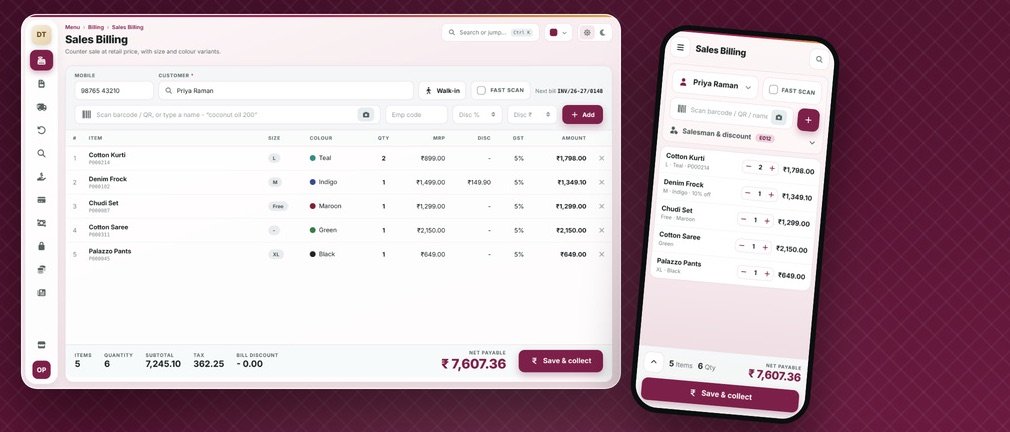
How a textile shop actually works.
A textile showroom sells the same design in many sizes and colours, and most of it sells in a few busy seasons: festivals, weddings and summer. The owner thinks in “design + size + colour”, not in single products, so billing, stock and discounts must understand variants and the sales floor must stay fast on peak days.
Where generic software fails you
Variants get mixed up
One design in 6 sizes and 5 colours is 30 separate stocks. Generic software shows it as one item.
Festival rush slows billing
Peak days need quick scanning, offers and salesman tagging without any delay at the counter.
Dead stock stays hidden
Without ageing reports, unsold designs pile up until the season is over.
A normal day in your textile shop.
Purchase from supplier or weaver, entered with design, size and colour
Print barcode labels for every size-colour variant
Customer picks items; the salesman is tagged to the bill
Festival offers, item discounts and exchange applied at billing
Bill saved: cash, UPI, card or part-credit for regular customers
Season-end stock check and clearance of slow movers
Your billing screen.
This is what your staff see at the counter.
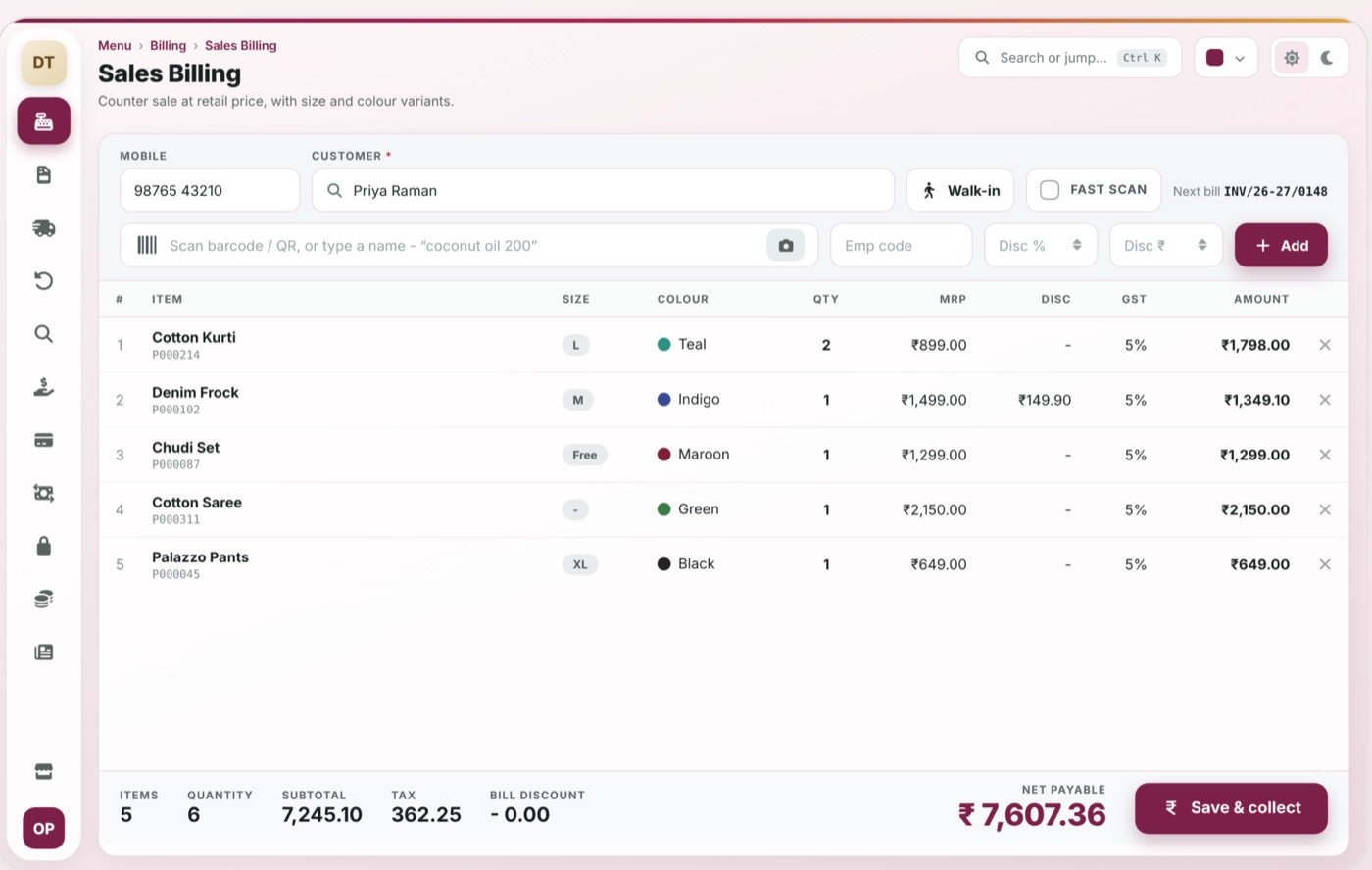
Size × colour variants
One design, many sizes and colours tracked separately
Barcode label printing
Print labels per variant straight from purchase entry
Salesman tagging
Sales and commission per salesman, per bill
Offers & discounts
Item, bill and festival-wise discounts in one click
The mobile app.
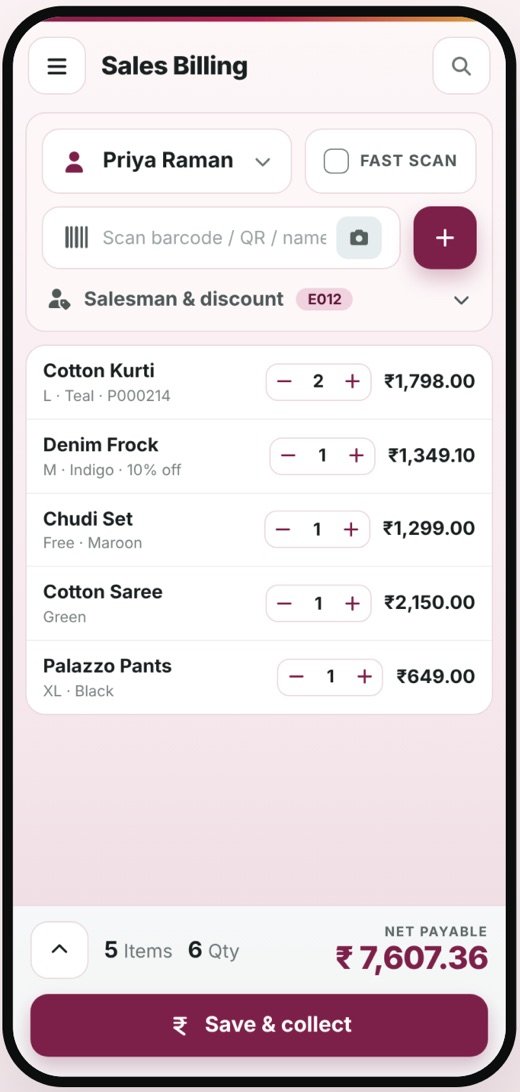
Owner checks day sales, stock of a design and pending credit from the phone; floor staff can bill from a tablet or phone during rush hours.
- Bills, stock and reports stay in sync with the desktop
- Role-based access: the owner sees everything, staff see only what they need
- Delivered to you by OpenDott, configured for your shop
Other things it can do
Customer credit
Part-payment, outstanding and loyalty for regulars
Season stock reports
Fast and slow movers, ageing stock, clearance list
Branch transfer
Move stock between showroom and godown
GST invoices
Correct HSN and tax slabs on every bill
Reports you get.
Available on the desktop and in the app.
- Day-wise and salesman-wise sales
- Size × colour stock report
- Fast and slow moving designs
- Customer outstanding and credit
- GST and HSN summary
- Season-end clearance list
Idea to launch.
The same five steps for every project, big or small.
Study
We sit with you and learn how billing, stock and reports work in your business today.
Design
We show you the screens and reports first. Nothing gets built until you say yes.
Build
We build the desktop software and the mobile app.
Go live
We install it, move your old data, set up the printers and train your staff.
Support
After that, message us on WhatsApp when something needs fixing or adding.
Let’s design your textile shop software.
Send us a few details about your shop. We’ll do a free requirement study and show you a demo.
Other products.
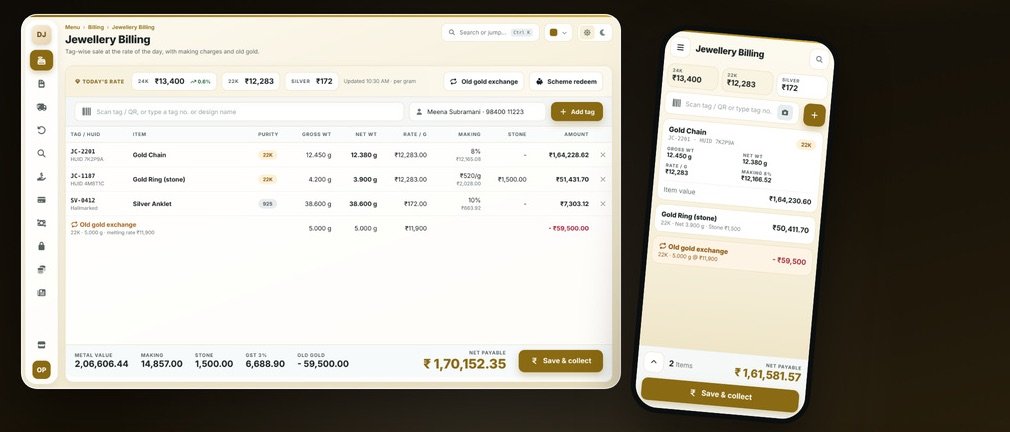
Jewellery Billing
Today’s metal rate, weights, making charges, HUID and old gold exchange, all in one bill.
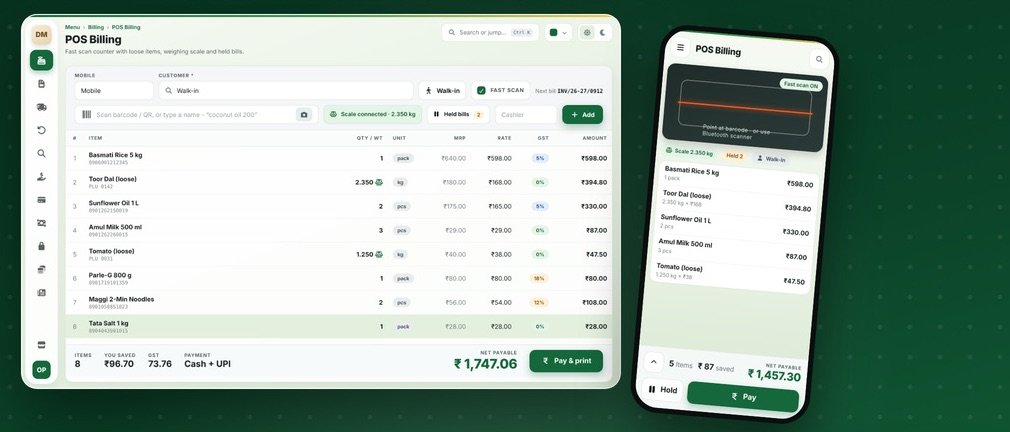
Grocery & Supermarket Billing
Quick scan billing, loose items on the scale, batch and expiry, held bills and monthly khata.
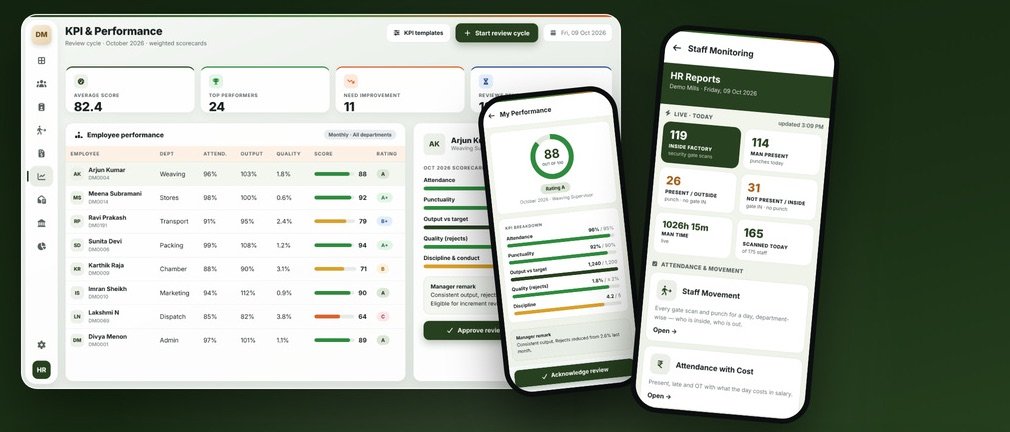
HRMS & Payroll
Attendance, shifts, payroll, KPI reviews, HR letters, PF and ESI, and a phone view of who’s at work.