Billing software for your jewellery shop.
Billing that works with today’s metal rate, weights, making charges, HUID and old gold exchange. Desktop software for the counter and a mobile app for the owner.
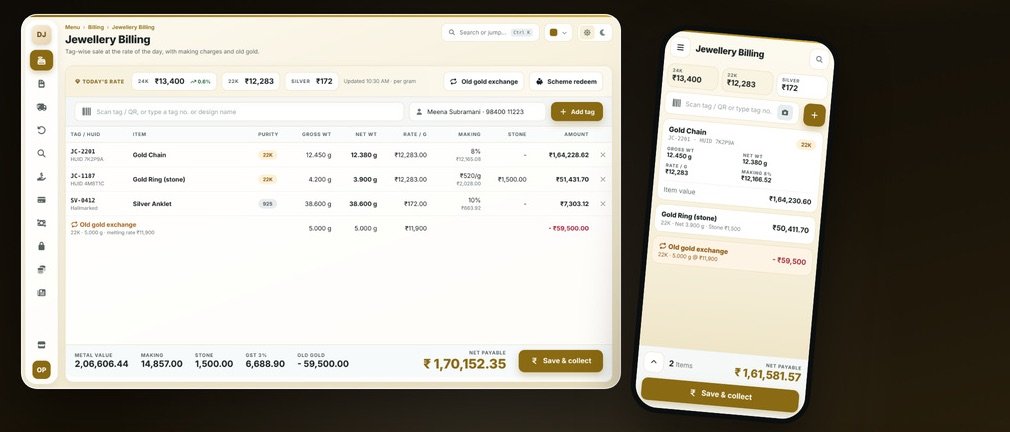
How a jewellery shop actually works.
A jewellery bill is not “quantity × price”. The value comes from today’s gold or silver rate, the net weight, the making charge or wastage, stone value and 3% GST. Then the customer often exchanges old gold. Every piece is a unique tagged item with hallmark (HUID) details, so accuracy and traceability matter more than speed.
Where generic software fails you
Price is never a fixed rate
Value changes daily with metal rate, weight, making and stone. Fixed-price software cannot handle it.
Old gold is noted on paper
Exchange value, purity and melting loss are written separately and rarely reconcile.
Stock must tally in grams
A piece count is not enough. A weight difference is a real loss.
A normal day in your jewellery shop.
Update the day’s gold, silver and platinum rates once
Tag each piece: gross weight, net weight, stone, HUID, purity
Billing: weight × rate + making + stone + GST, automatically
Old gold exchange or advance booking adjusted in the same bill
Saving scheme instalments and maturity redeemed at purchase
Daily weight-based stock reconciliation, karigar job-work ledger
Your billing screen.
This is what your staff see at the counter.
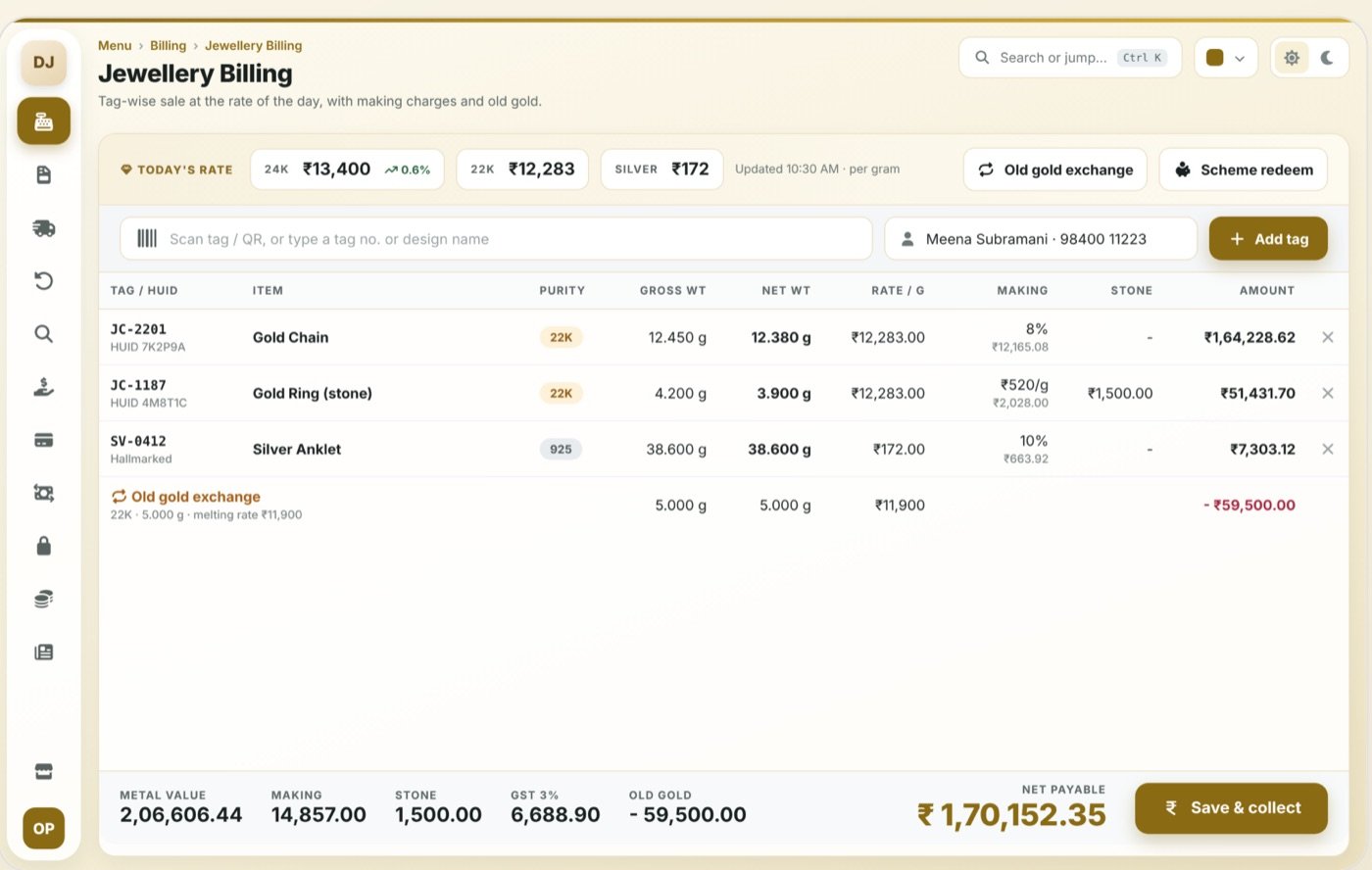
Weight-based pricing
Gross, net and stone weight with the live metal rate
Making & wastage
Percentage, per gram or fixed, set per item group
HUID & hallmark
Tag-level hallmark data printed on the invoice
Old gold exchange
Purity-wise valuation deducted from the bill
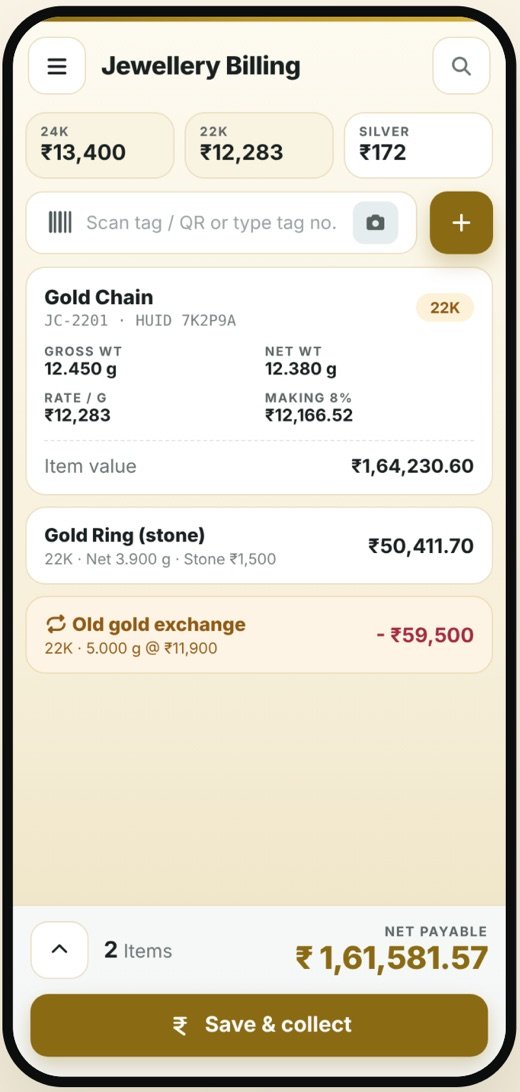
The mobile app.
Owner sees today’s rate, sales in grams and rupees, old-gold stock and scheme collections from the phone, and can approve a high-value bill remotely.
- Bills, stock and reports stay in sync with the desktop
- Role-based access: the owner sees everything, staff see only what they need
- Delivered to you by OpenDott, configured for your shop
Other things it can do
Saving scheme link
Scheme collections redeemed at billing
Tag & label printing
Jewellery tags with weight, HUID and QR
Karigar & job work
Issue and receive metal, track wastage
Weight stock ledger
Stock by grams and pieces, not just count
Reports you get.
Available on the desktop and in the app.
- Daily rate and sales in grams
- Tag-wise stock ledger
- Old gold purchase register
- Karigar issue and receipt
- Scheme collection and maturity
- HUID and GST register
Idea to launch.
The same five steps for every project, big or small.
Study
We sit with you and learn how billing, stock and reports work in your business today.
Design
We show you the screens and reports first. Nothing gets built until you say yes.
Build
We build the desktop software and the mobile app.
Go live
We install it, move your old data, set up the printers and train your staff.
Support
After that, message us on WhatsApp when something needs fixing or adding.
Let’s design your jewellery shop software.
Send us a few details about your shop. We’ll do a free requirement study and show you a demo.
Other products.
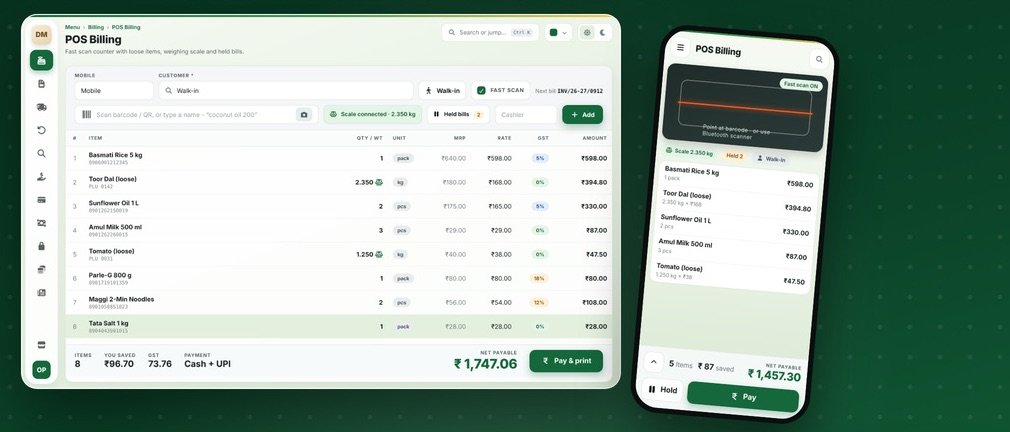
Grocery & Supermarket Billing
Quick scan billing, loose items on the scale, batch and expiry, held bills and monthly khata.
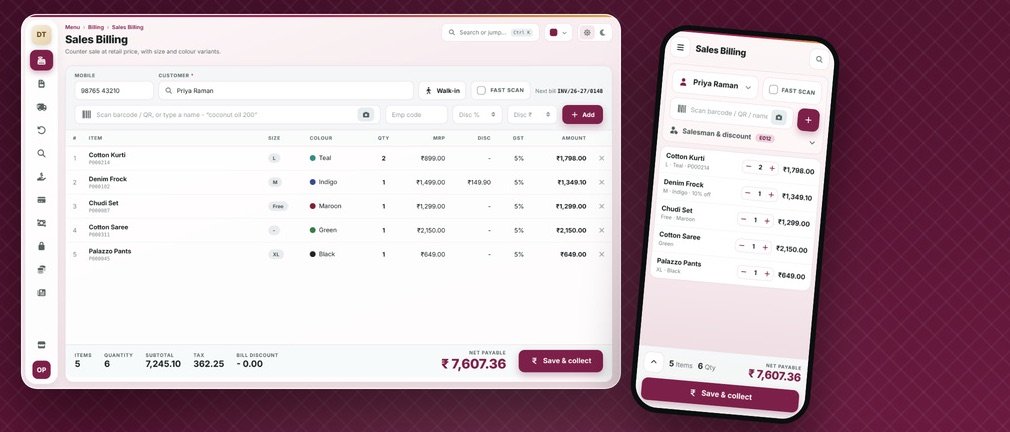
Textile Showroom Billing
Size and colour variants, barcode labels, salesman tagging and festival offers.
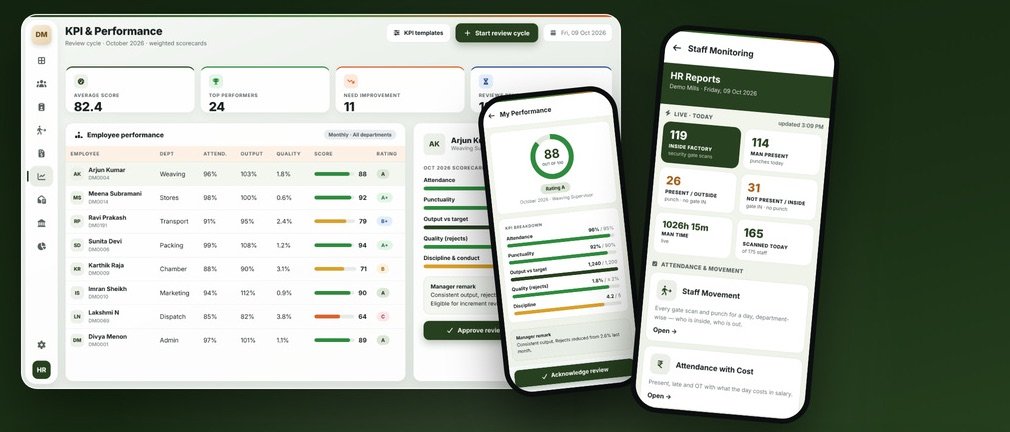
HRMS & Payroll
Attendance, shifts, payroll, KPI reviews, HR letters, PF and ESI, and a phone view of who’s at work.