Billing & KOT software for your restaurant.
Tables, kitchen order tickets, split bills and day-end reports. Waiters, kitchen and cashier all see the same orders.
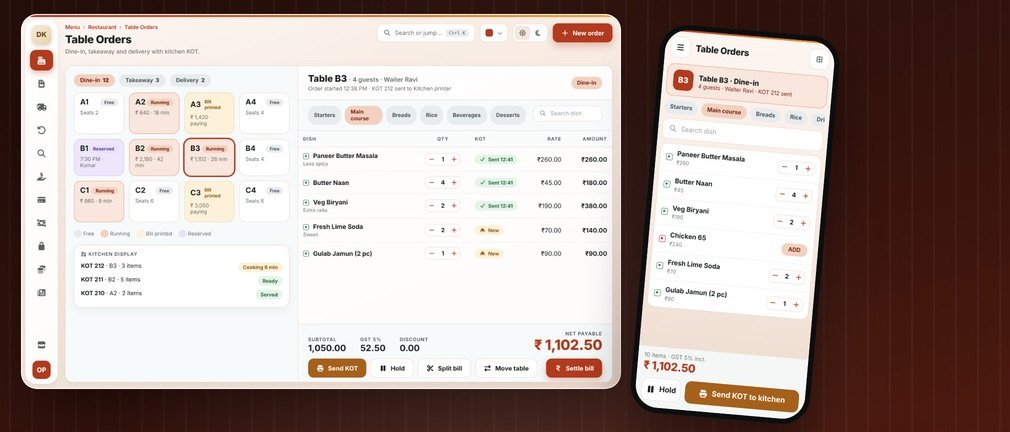
How a restaurant actually works.
A restaurant bills an experience that is still in progress: a table is occupied, orders keep being added, the kitchen must receive every item as a KOT (kitchen order ticket), and the final bill appears only when guests leave. Waiters, kitchen and cashier work in parallel, so the software must keep all three in sync.
Where generic software fails you
Orders get lost
Verbal or paper orders between waiter and kitchen cause delays and wrong dishes.
Tables and bills tangle
Split, merge and move-table requests slow down closing a bill.
Raw material leaks
Without recipes, ingredient use and wastage are only guesses.
A normal day in your restaurant.
Guests seated; the table is marked running on the floor view
Waiter takes the order on a phone or at the counter
KOT prints in the kitchen or bar the moment it is sent
More items added; each new item gets its own KOT
Bill generated: split, merge or move table, then settle
Day-end sales report and ingredient stock deduction
Your billing screen.
This is what your staff see at the counter.
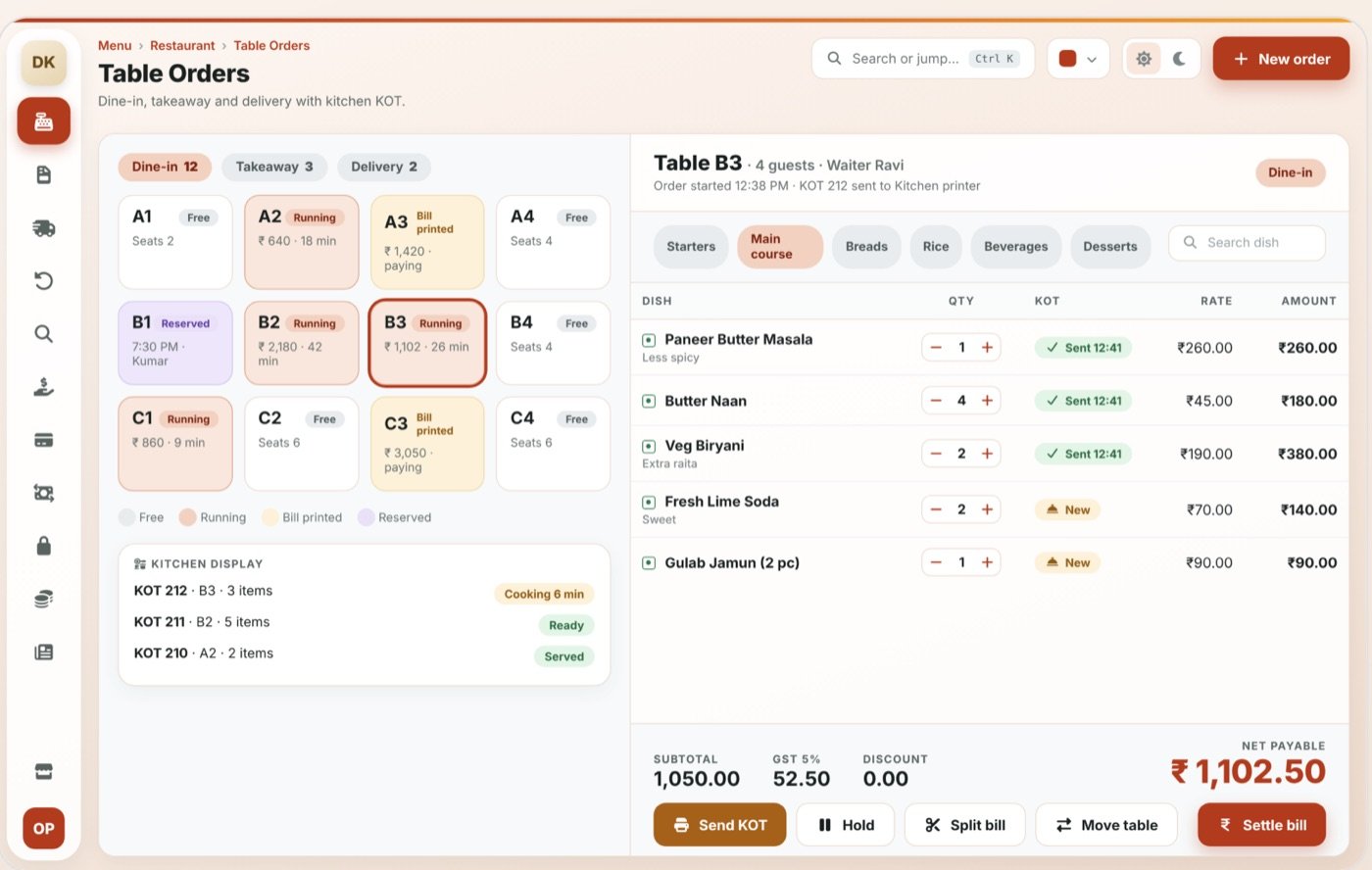
Table management
Live floor view: free, running, bill printed
KOT to kitchen / bar
Separate printers for kitchen and bar
Waiter ordering
Take orders on a phone instead of walking to the counter
Split & merge bills
Split by guest or merge tables at the end
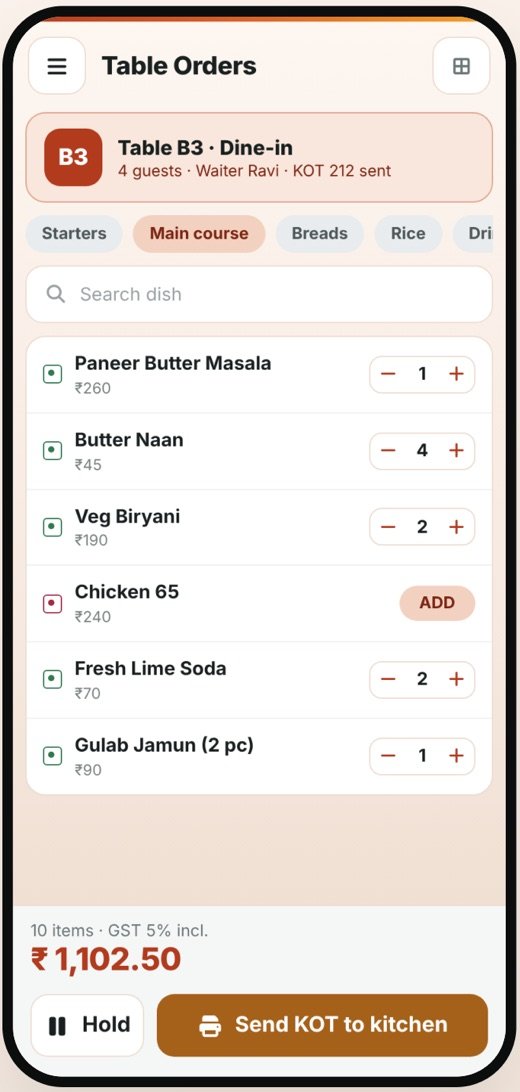
The mobile app.
Waiters place orders from the phone straight to the kitchen; the owner sees table status, running bills and the day’s collection from anywhere.
- Bills, stock and reports stay in sync with the desktop
- Role-based access: the owner sees everything, staff see only what they need
- Delivered to you by OpenDott, configured for your shop
Other things it can do
Takeaway & delivery
Orders without tables, with delivery tracking
Recipe & ingredients
Raw-material stock reduces with every dish
GST & service charge
5% GST and service charge handled correctly
Day-end reports
Item-wise, waiter-wise and hour-wise sales
Reports you get.
Available on the desktop and in the app.
- Item-wise and waiter-wise sales
- Hour-wise rush analysis
- KOT and cancelled-item log
- Ingredient consumption
- Day-end cash and GST summary
- Takeaway and delivery report
Idea to launch.
The same five steps for every project, big or small.
Study
We sit with you and learn how billing, stock and reports work in your business today.
Design
We show you the screens and reports first. Nothing gets built until you say yes.
Build
We build the desktop software and the mobile app.
Go live
We install it, move your old data, set up the printers and train your staff.
Support
After that, message us on WhatsApp when something needs fixing or adding.
Let’s design your restaurant software.
Send us a few details about your shop. We’ll do a free requirement study and show you a demo.
Other products.
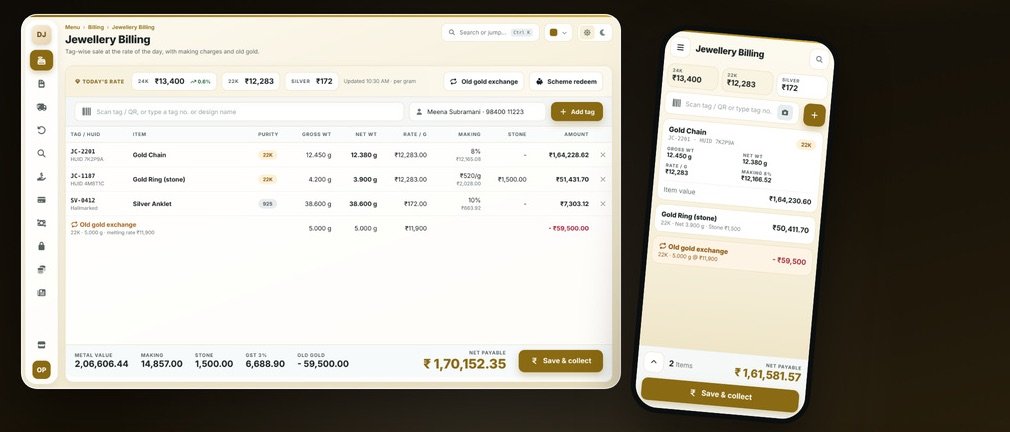
Jewellery Billing
Today’s metal rate, weights, making charges, HUID and old gold exchange, all in one bill.
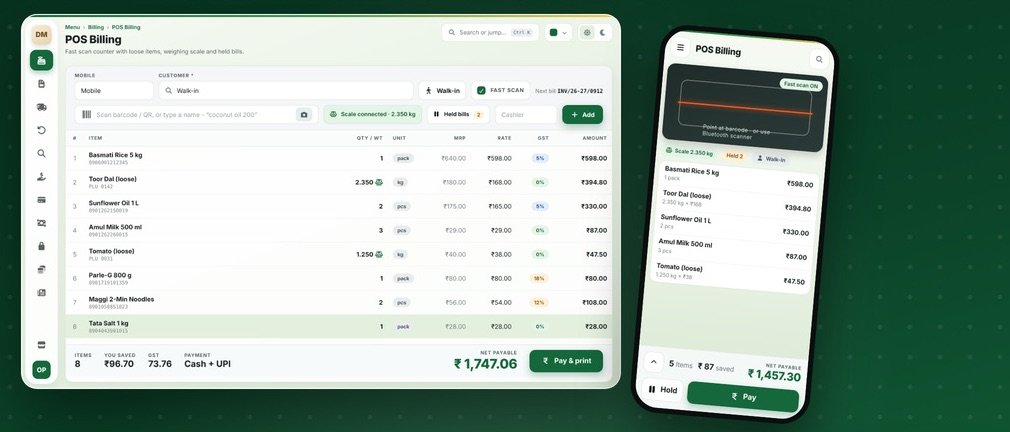
Grocery & Supermarket Billing
Quick scan billing, loose items on the scale, batch and expiry, held bills and monthly khata.
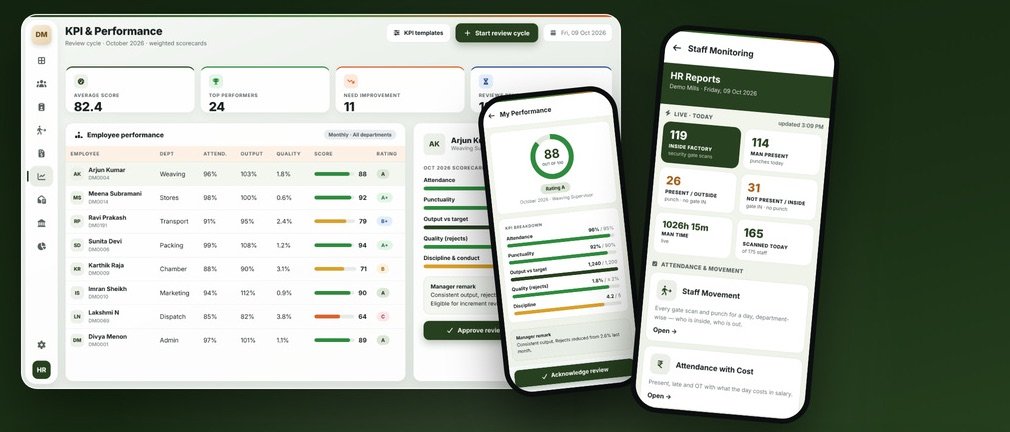
HRMS & Payroll
Attendance, shifts, payroll, KPI reviews, HR letters, PF and ESI, and a phone view of who’s at work.