Billing software for your fancy store.
Combo offers, retail and wholesale prices, and several counters on one stock. Built for shops that sell thousands of small items.
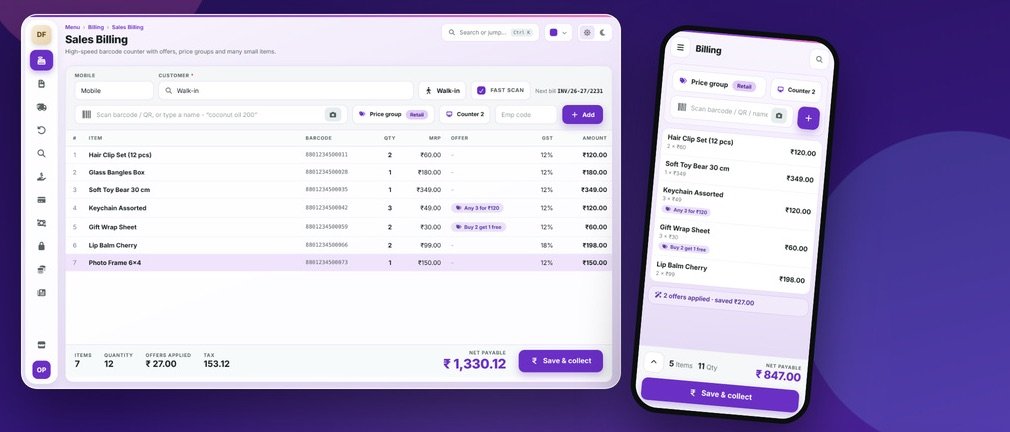
How a fancy store actually works.
A fancy store holds thousands of small, low-value items like hair clips, toys, gifts and cosmetics, with trends and offers changing every week. Margin comes from offers like “any 3 for ₹120” and from selling to both retail and wholesale buyers, so the software must handle offers, price groups and many counters easily.
Where generic software fails you
Offers are manual
Combos like “any 3 for ₹120” are worked out by the cashier and often go wrong.
Thousands of tiny items
Without quick-add and labels, new items never reach the stock list.
Retail and wholesale mix
The same item at different rates for different buyers is hard to manage.
A normal day in your fancy store.
Buy in bulk packs; break them into single sellable items
Label items; quick-add new items on the counter itself
Offers and combos set up, like any 3 for ₹120 or buy 2 get 1
Billing at multiple counters, retail or wholesale price group
Festival and gifting season stock top-up
Review fast movers and clear dead stock every month
Your billing screen.
This is what your staff see at the counter.
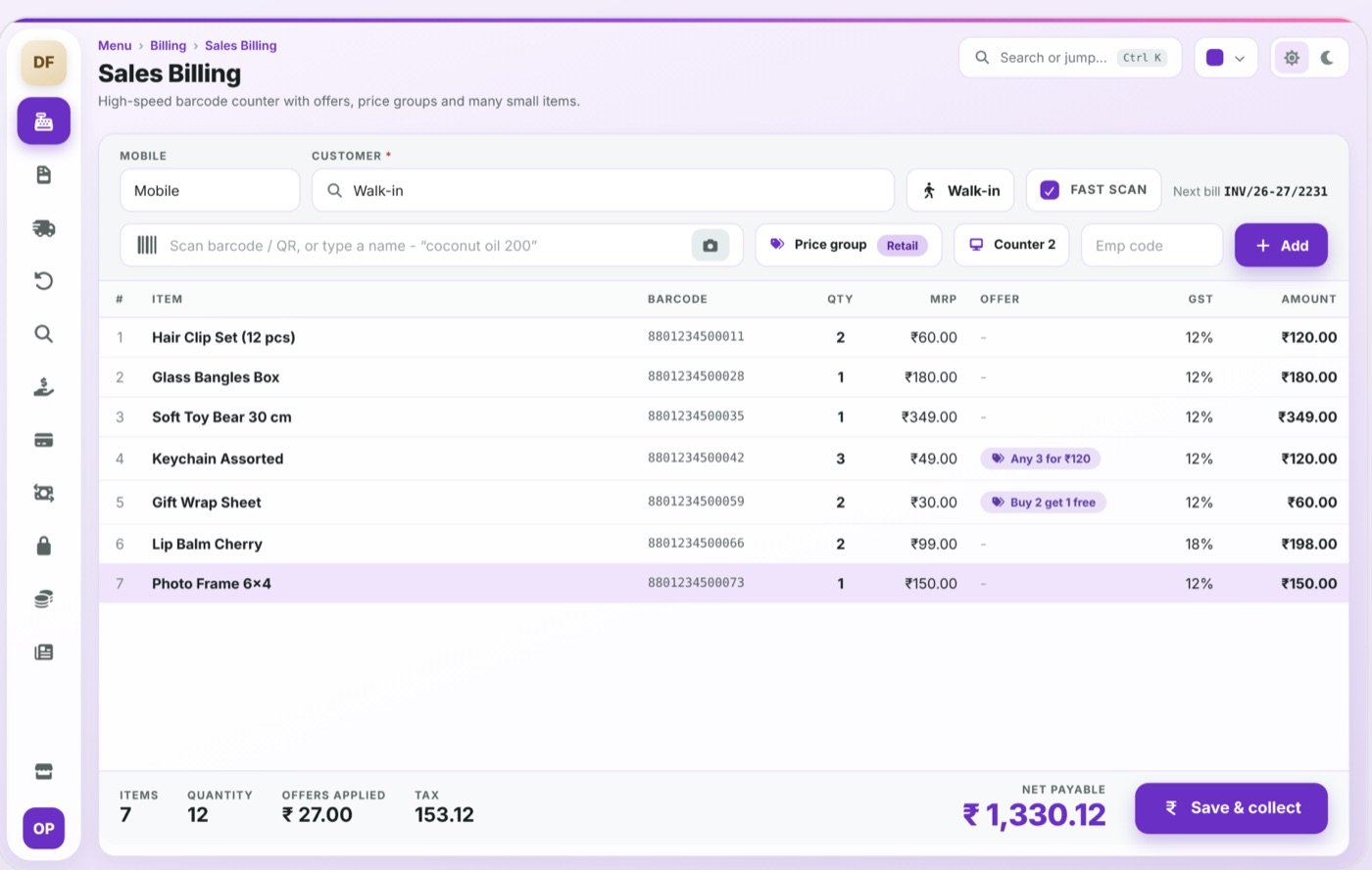
Offer engine
Combos, buy-X-get-Y and bill-level discounts
Price groups
Retail, wholesale and dealer rates per item
Multi-counter billing
Several counters, one stock, one report
Quick item add
Add a new item while billing, without stopping the queue
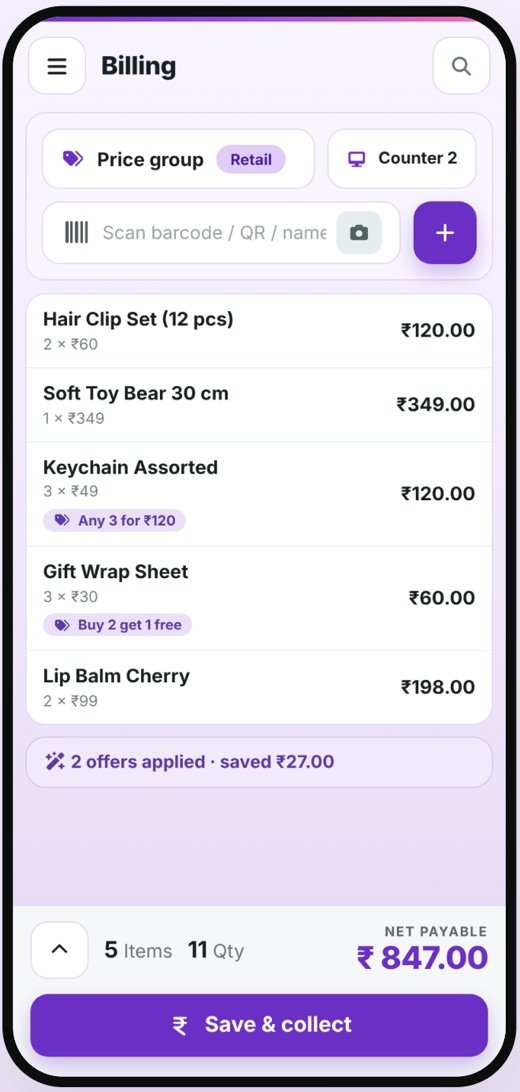
The mobile app.
Owner tracks counter-wise sales and offer performance from the phone; staff can look up the price and stock of any item by scanning it.
- Bills, stock and reports stay in sync with the desktop
- Role-based access: the owner sees everything, staff see only what they need
- Delivered to you by OpenDott, configured for your shop
Other things it can do
Pack to unit
Buy in dozens or boxes, sell as pieces
Category & trend view
See which categories are moving this week
Fast label printing
Small-item labels in bulk
Dead stock report
Items with no sale in 30 / 60 / 90 days
Reports you get.
Available on the desktop and in the app.
- Counter-wise sales
- Offer performance report
- Category and trend view
- Dead stock list (30 / 60 / 90 days)
- Price-group wise sales
- Purchase and pack-break report
Idea to launch.
The same five steps for every project, big or small.
Study
We sit with you and learn how billing, stock and reports work in your business today.
Design
We show you the screens and reports first. Nothing gets built until you say yes.
Build
We build the desktop software and the mobile app.
Go live
We install it, move your old data, set up the printers and train your staff.
Support
After that, message us on WhatsApp when something needs fixing or adding.
Let’s design your fancy store software.
Send us a few details about your shop. We’ll do a free requirement study and show you a demo.
Other products.
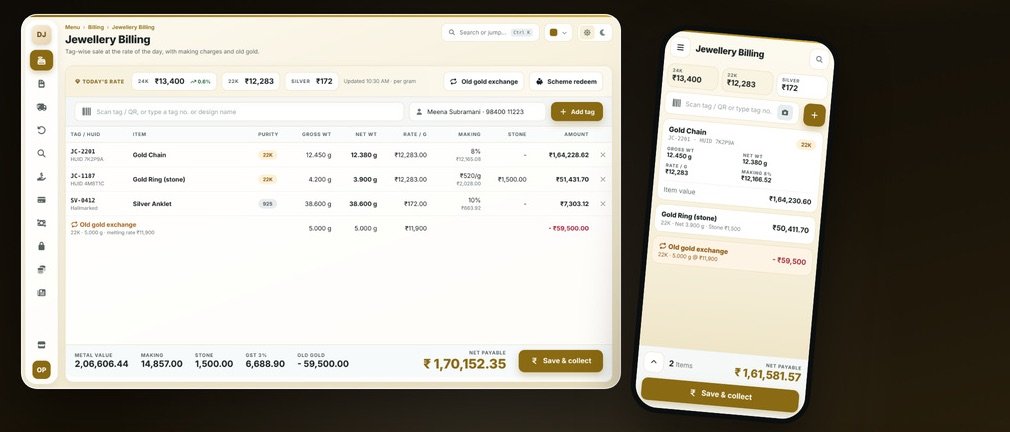
Jewellery Billing
Today’s metal rate, weights, making charges, HUID and old gold exchange, all in one bill.
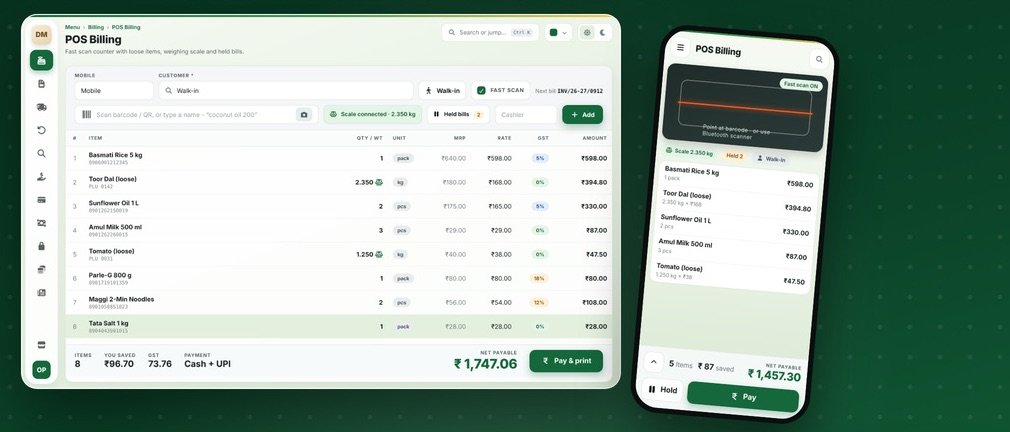
Grocery & Supermarket Billing
Quick scan billing, loose items on the scale, batch and expiry, held bills and monthly khata.
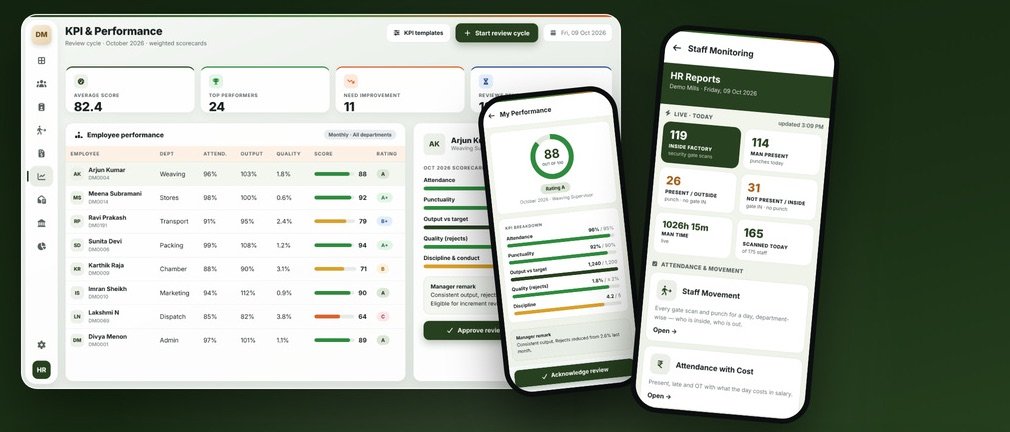
HRMS & Payroll
Attendance, shifts, payroll, KPI reviews, HR letters, PF and ESI, and a phone view of who’s at work.