Knock on your Mac. It listens.
Dott Tap feels knocks through the motion sensor inside your MacBook. Knock once, twice or three times on the screen, the desk or the palm rest, and it runs the action you picked. Swipe down with four fingers to minimise every window. It’s free, and the code is on GitHub.
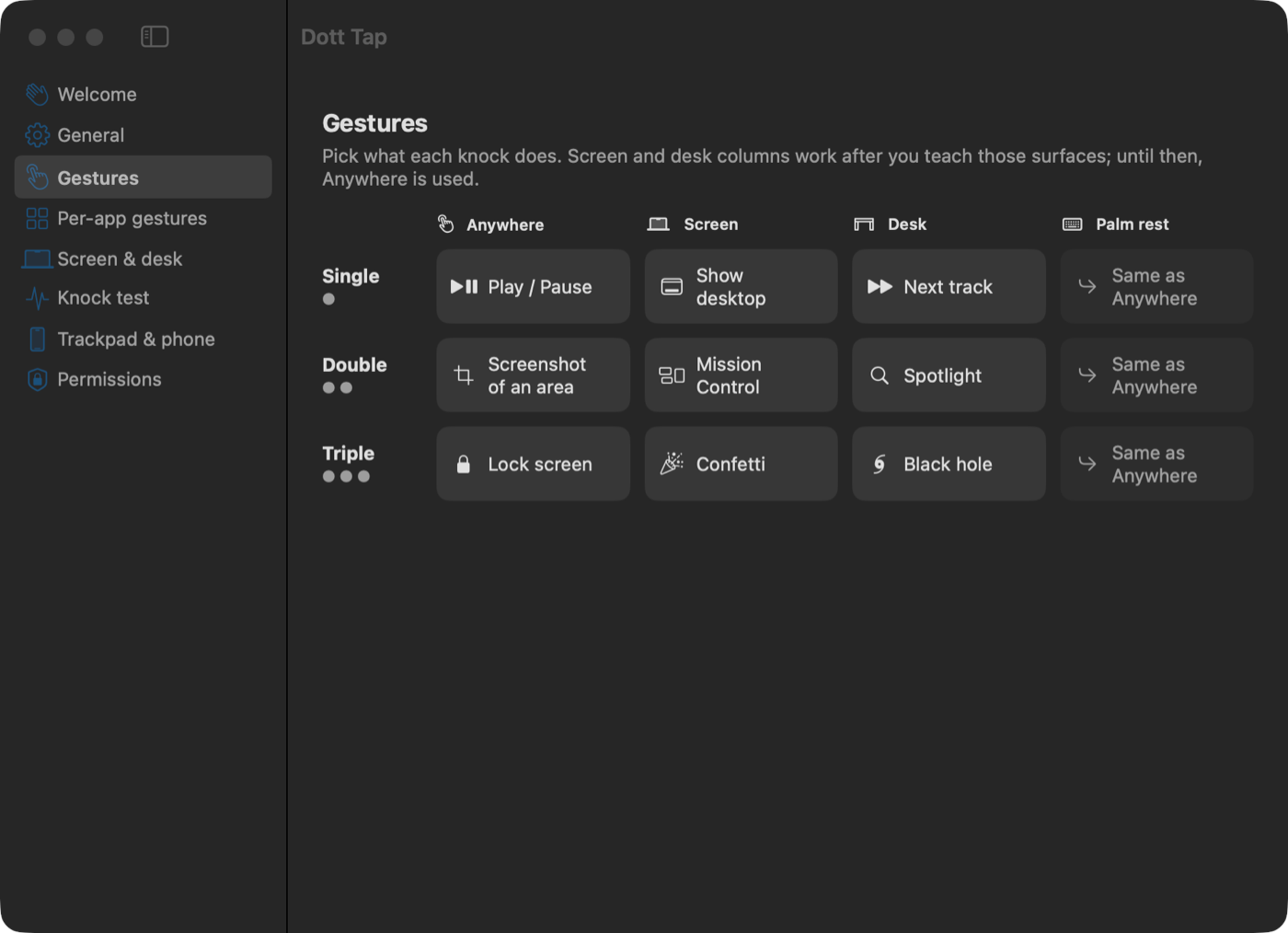
Knock where it’s handy.
Each surface shakes the Mac in its own direction, so each one can do something different.
The screen
Knock on the top edge or the back of the lid. The Mac rocks sideways on its hinge.
The desk
Knock on the desk a hand’s width from the Mac. The jolt comes up through its rubber feet.
The palm rest
Knock beside the trackpad, away from the keys. It pushes the Mac down into the desk.
What it does.
One, two or three knocks
Each count has its own action, and each surface can have its own set.
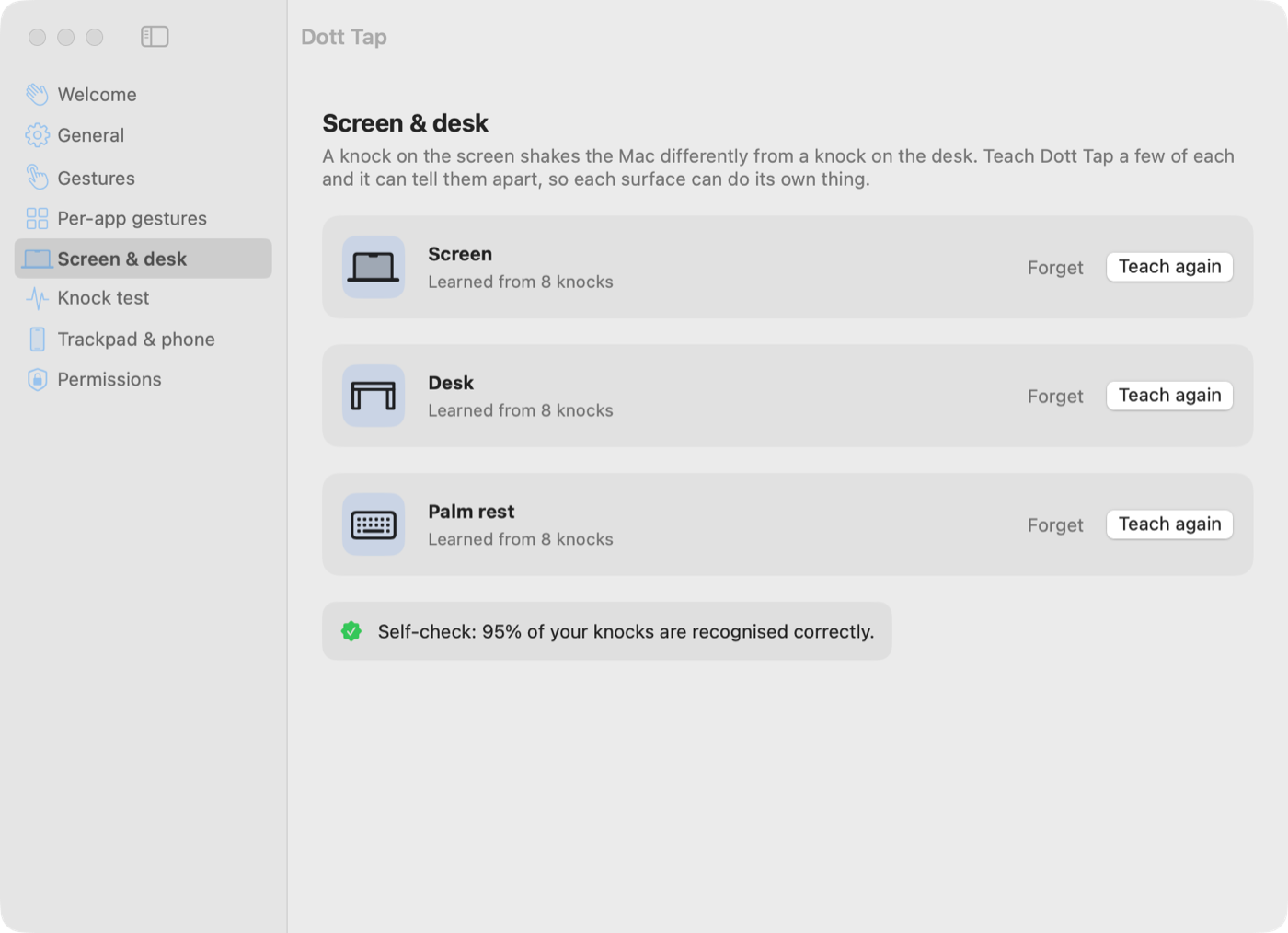
Learns your knocks
Eight knocks on each surface and it can tell them apart. Our test Mac gets 95% right.
Four-finger swipes
Swipe down to minimise every window at once, swipe up to bring them back.
Per-app gestures
Next slide in Keynote, mute in Zoom, skip a song in Spotify.
55+ actions
Media keys, screenshots, lock screen, desktops, tabs, any shortcut, Shortcuts, scripts.
Reactions
Confetti, a shockwave, a glitch, a black hole, and a combo counter that ends in KNOCKOUT!
Trackpad and phone
Hold a key and click the trackpad, or turn your phone into a knock pad. Works on any Mac.
Ignores typing
Typing, clicks, lid adjustments and picking the Mac up don’t count as knocks.
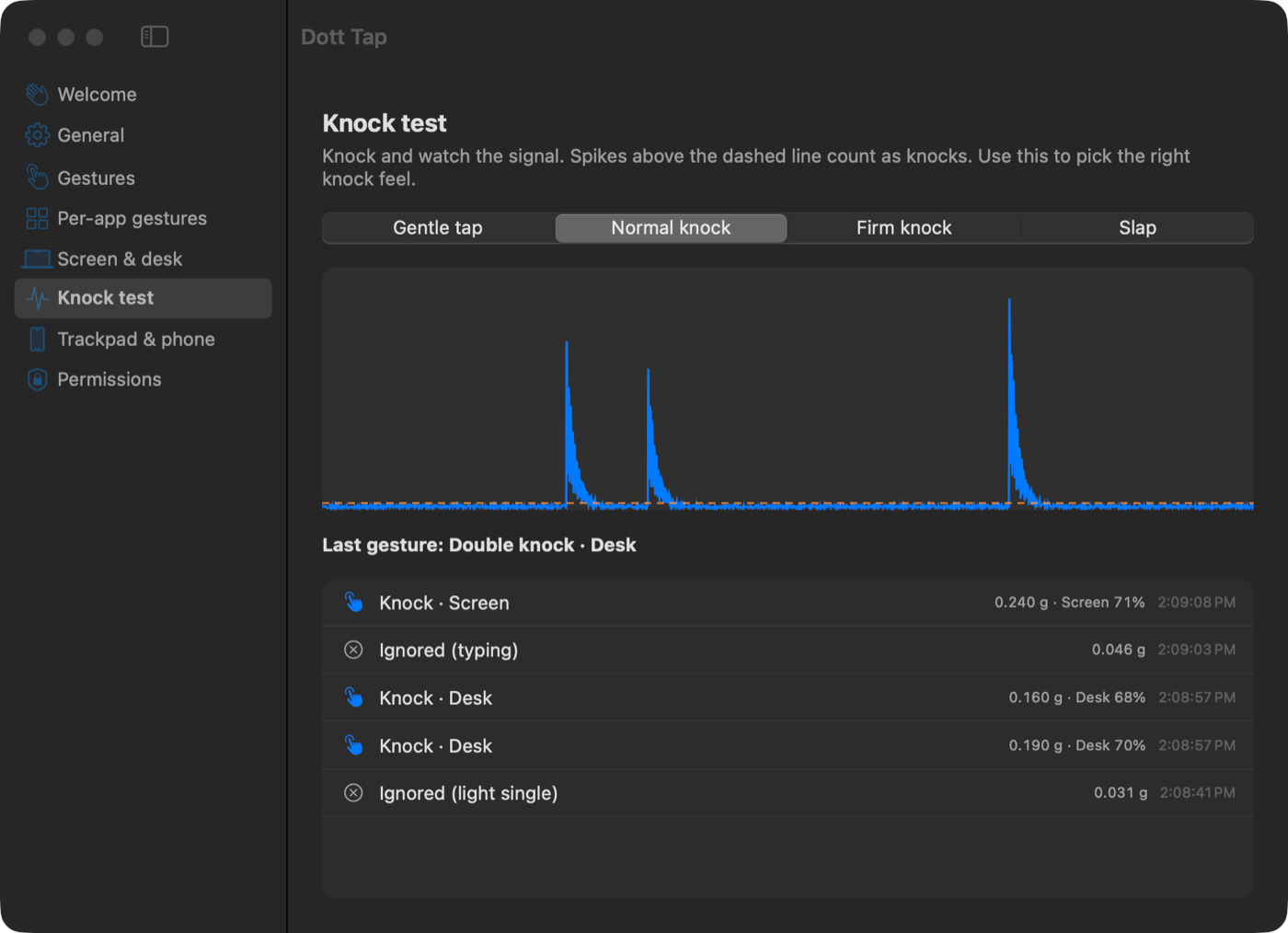
See every knock it feels.
A live graph of the sensor. Each knock shows as a spike, and the list says which ones counted and which were ignored.
- Four knock feels: gentle, normal, firm and slap
- A slider to fine-tune it for your desk
- Typing and clicks are filtered out
Easy on your battery.
It listens slowly most of the time and speeds up for two seconds when something moves, so the knock itself is still caught in full.
Up and running in a minute.
Download
Get the DMG from GitHub and drag Dott Tap into Applications.
Open it
macOS asks once because it isn’t from the App Store. Click Open Anyway in Privacy & Security.
Allow Accessibility
This lets Dott Tap press keys for you, like play/pause or a screenshot.
Knock twice
Near the trackpad, firmly, like knocking on a door. Music plays or pauses.
Which Macs
- MacBook Air and MacBook Pro with M2, M3, M4 or newer
- macOS 14 Sonoma or later
- Swipes, Trackpad Tap Mode and the phone remote work on any Mac with a trackpad
Everything stays on your Mac. Dott Tap only reads motion. It has no microphone or camera access and sends nothing anywhere.
Free to use, with the full source code on GitHub. Read it, change it, share it. If you like it, a star on GitHub helps other people find it.
Want an app like this for your business?
We build desktop, mobile and web apps. Tell us your idea on WhatsApp.
Other products.
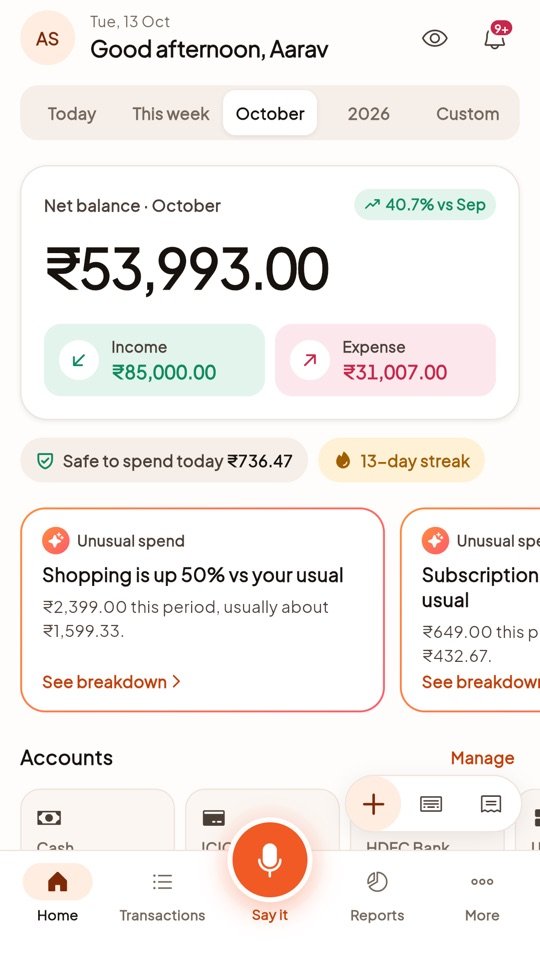 Web app live
Dott Money
Say “250 for petrol, chai 120” in any language and it saves both as expenses, already sorted.
WhatsApp Business API
Send bills, reminders and offers on WhatsApp from your own software. We handle the Meta paperwork.
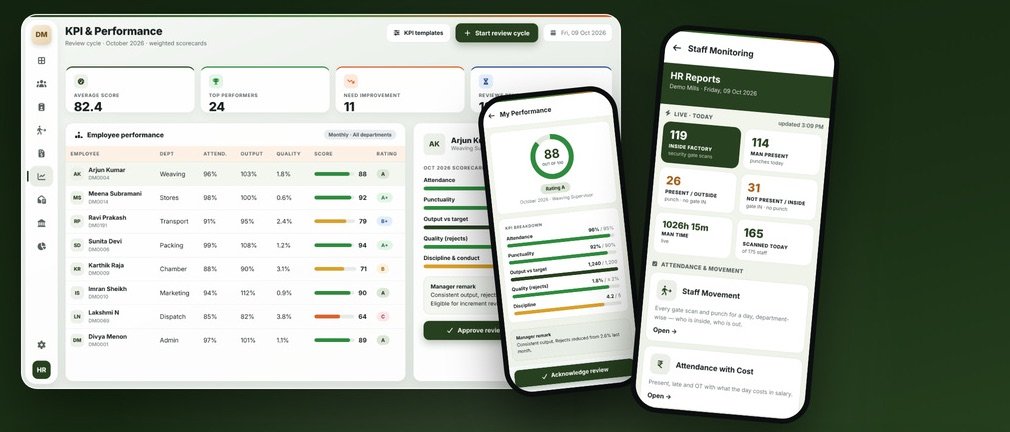
HRMS & Payroll
Attendance, shifts, payroll, KPI reviews, HR letters, PF and ESI, and a phone view of who’s at work.